
Niagara software
Suphammer HomeKit
Your Niagara points. In Apple Home.
Connect Niagara to Apple Home with 34 service point choices: controls, climate, ventilation and sensors. Local encrypted bridge, Workbench managers and a perpetual Niagara host license.
VIDEO OVERVIEW · EARLIER VERSION
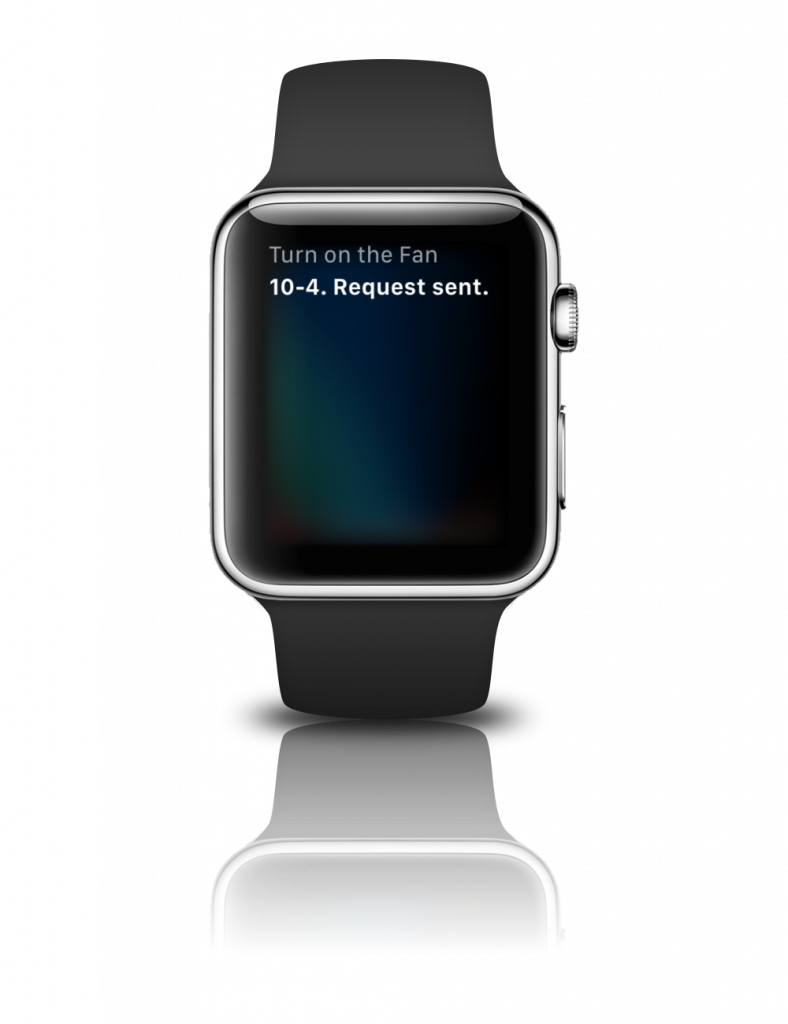
See Niagara respond to Apple Home and Siri
See commands from Apple Home and Siri reflected in Niagara.
Earlier-version video. This demonstration was recorded with an earlier version. Interface and setup differ from the current release. Use the included user guide for current installation and configuration.
01
34 service point choices
Lighting and switches, climate control, ventilation, position control, water management and a broad range of sensors.
02
Encrypted HomeKit sessions
Pair by QR code or PIN, manage controllers and retain pairings across station restarts.
03
Flexible device composition
Choose each device’s primary service, add compatible secondary services and configure supported optional characteristics in Workbench.
A familiar interface for selected building points
Bring selected building functions into a familiar interface: operate switches and on/off lights, expose climate and ventilation services, and report motion, occupancy, contact and environmental measurements. Niagara supplies the service properties; your application defines commands, overrides and interlocks.
What you can use
| Service group | Available services |
|---|---|
| Control | Switch, Lightbulb, Outlet, Basic Fan, Fan, Faucet, Valve, Irrigation System |
| Sensors | Motion, Contact, Occupancy, Leak, Smoke, Carbon Monoxide, Carbon Dioxide, Temperature, Humidity, Light, Air Quality |
| Climate | Thermostat, Air Purifier, Heater Cooler, Humidifier Dehumidifier |
| Position and security | Door, Window, Window Covering, Security System, Stateless Programmable Switch |
| Secondary services | Speaker, Smart Speaker, Microphone, Battery, Filter Maintenance, Slat |
Compatibility and setup
Version 1.1.1 is qualified on the official Niagara 4.15.3.28 Supervisor installation for Windows using an independent encrypted HomeKit protocol client. Actual Apple Home app/device combinations, other Niagara releases and JACE controllers are outside that qualification.
An Apple Home controller, network reachability to the Niagara bridge, Niagara Workbench and module-install access. The guide covers HAP TCP port 16521 (or the configured port), mDNS UDP 5353, interface selection and Windows firewall rules.
Supported scope. This is an independent integration and is not Apple-certified. The table lists the 34 Workbench point choices. Some are secondary services and require a primary service on the device. Apple controllers may expose only a subset of service characteristics. Lightbulb control is on/off; importing HomeKit accessories into Niagara is outside this release.
Included with your license
Install with confidence
- Protected, signed Niagara runtime
- Signed Workbench module with pairing tools
- Signed, searchable Niagara Help module
- Offline PDF user guide
- Installation and troubleshooting guidance
- Firewall and network instructions
One host. Perpetual license.
The license is bound to one Niagara Host ID and verified locally during operation. A completed purchase supplies an activation code.
Activate with your purchase email and Host ID at Suphammer license activation. Contact Suphammer before moving to a different host.
From purchase to first point
- Download and install. Use the included guide to install the modules in the required Niagara locations.
- Activate your host. Obtain the key for your Niagara Host ID and enter it in the product’s license property or service.
- Configure and verify. Create the Bridge network, add devices and service points, then verify representative reads and commands before enabling application logic.
Questions before you buy
Which functions can I expose?
Choose from the 34 services listed above. The device and point managers help you combine primary and secondary services. Supported optional characteristics include thermostat limits and humidity, audio mute/volume, names and AirPlay enable. The Lightbulb service provides on/off control.
Does it handle Fahrenheit temperatures?
Supply Celsius to the Bridge temperature properties. Convert a Fahrenheit source before linking it: 68°F becomes 20°C. The global Niagara display preference does not reinterpret a raw service property. Apple Home formats the Celsius value using the user’s preference.
Do my pairings survive a station restart?
Saved bridge identity and pairings are retained. After Niagara startup completes, the bridge restores its listener and point subscriptions when enabled and licensed.
How is the license activated?
Complete activation at Suphammer using your purchase email, activation code and Niagara Host ID. Enter the resulting key in Protected License Key on the HomeKit Bridge network. The license is verified locally during operation.
Software download for Niagara. Hardware, site commissioning and custom application work are separate. Current release: 1.1.1. Current prices and offers are shown above. Applicable tax is calculated at checkout.
HERE TO HELP
Make the next connection.
Get help with compatibility, setup or an existing installation.