
Niagara software
Suphammer ESPHome
Make your sensors part of the station.
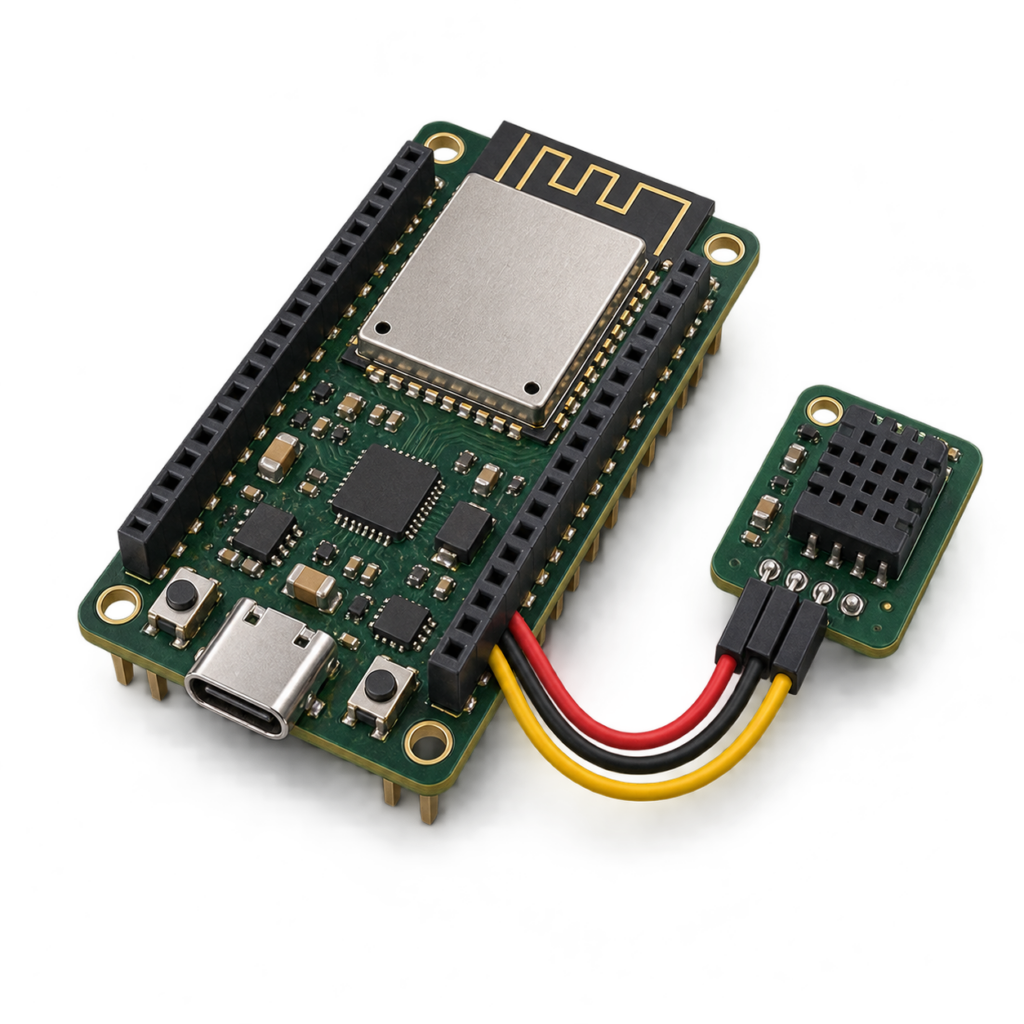
Bring ESPHome sensors and supported controls into Niagara. Local communication, live point updates and one perpetual license per Niagara Host ID.
01
Discover, then use
Find devices and exposed entities, add Niagara points and connect them to your existing application.
02
Local communication
Use the ESPHome Native API directly on your network. Encrypted connections are supported and recommended.
03
Points that fit Niagara
Numeric, Boolean and string values, supported writable controls, point status and Niagara priorities.
From an ESPHome device to a useful Niagara point
A mechanical-room temperature sensor can become a Niagara numeric point for display, trending and alarms. A supported switch or fan can be linked to station logic. The firmware decides which entities are available; the driver maps the supported ones into Niagara.
What you can use
| Point or definition | Behavior |
|---|---|
| Sensor | Numeric · read |
| Binary sensor | Boolean · read |
| Text sensor | String · read |
| Switch | Boolean · read/write |
| Number | Numeric · read/write |
| Select and text controls | String · read/write |
| Fan | State, speed and preset points when advertised |
Compatibility and setup
Version 0.1.1 is qualified on Niagara 4.15.3.28 Supervisor for Windows 11. Earlier macOS qualification covers version 0.1.0. Final Windows verification used ESPHome 2026.9.1 on an ESP32-S3: encrypted Arduino firmware and plaintext ESP-IDF firmware. Other hosts, hardware and firmware versions require validation before deployment.
A configured ESPHome device exposing the Native API; network access from the station to that device; Niagara Workbench and permission to install modules. The guide covers API port 6053, optional mDNS discovery and Windows firewall rules.
Supported scope. Version 0.1.1 supports the entity types listed above. Lights, covers, climate controls, Bluetooth, Airthings and HomeKit features are outside this release. Hardware, firmware development and site commissioning are separate from the software license.
Included with your license
Install with confidence
- Protected, signed Niagara runtime
- Signed, searchable Niagara Help module
- Offline PDF user guide
- Installation and troubleshooting guidance
- Firewall and network instructions
One host. Perpetual license.
The license is bound to one Niagara Host ID and verified locally during operation. A completed purchase supplies an activation code.
Activate with your purchase email and Host ID at Suphammer license activation. Contact Suphammer before moving to a different host.
From purchase to first point
- Download and install. Use the included guide to install the modules in the required Niagara locations.
- Activate your host. Obtain the key for your Niagara Host ID and enter it in the product’s license property or service.
- Configure and verify. Follow the setup guide and check representative points or tags before connecting application logic.
Questions before you buy
Can I use encrypted ESPHome connections?
Yes. The driver supports encrypted Native API connections; encryption is recommended for deployed devices. Use the correct API encryption key from the device configuration.
Does it support every ESPHome entity?
It supports the types listed on this page. Fan speed and preset points depend on the capabilities advertised by the firmware.
Do I need a cloud service?
Routine communication uses the local Native API. License activation takes place on the Suphammer website; the installed license is verified locally.
What happens if a device is unavailable?
Communication failures produce point faults. After connectivity returns, wait for fresh device values before relying on the points.
Software download for Niagara. Hardware, site commissioning and custom application work are separate. Current release: 0.1.1. Current prices and offers are shown above. Applicable tax is calculated at checkout.
HERE TO HELP
Make the next connection.
Get help with compatibility, setup or an existing installation.