
Niagara software
Suphammer mercurySio
Connect the door hardware. Keep the Niagara workflow.
Connect Mercury SIO readers, inputs and outputs to Niagara. One perpetual driver license per host, with planned Niagara 5 integration through Suphammer Access. Contact Suphammer for more information.
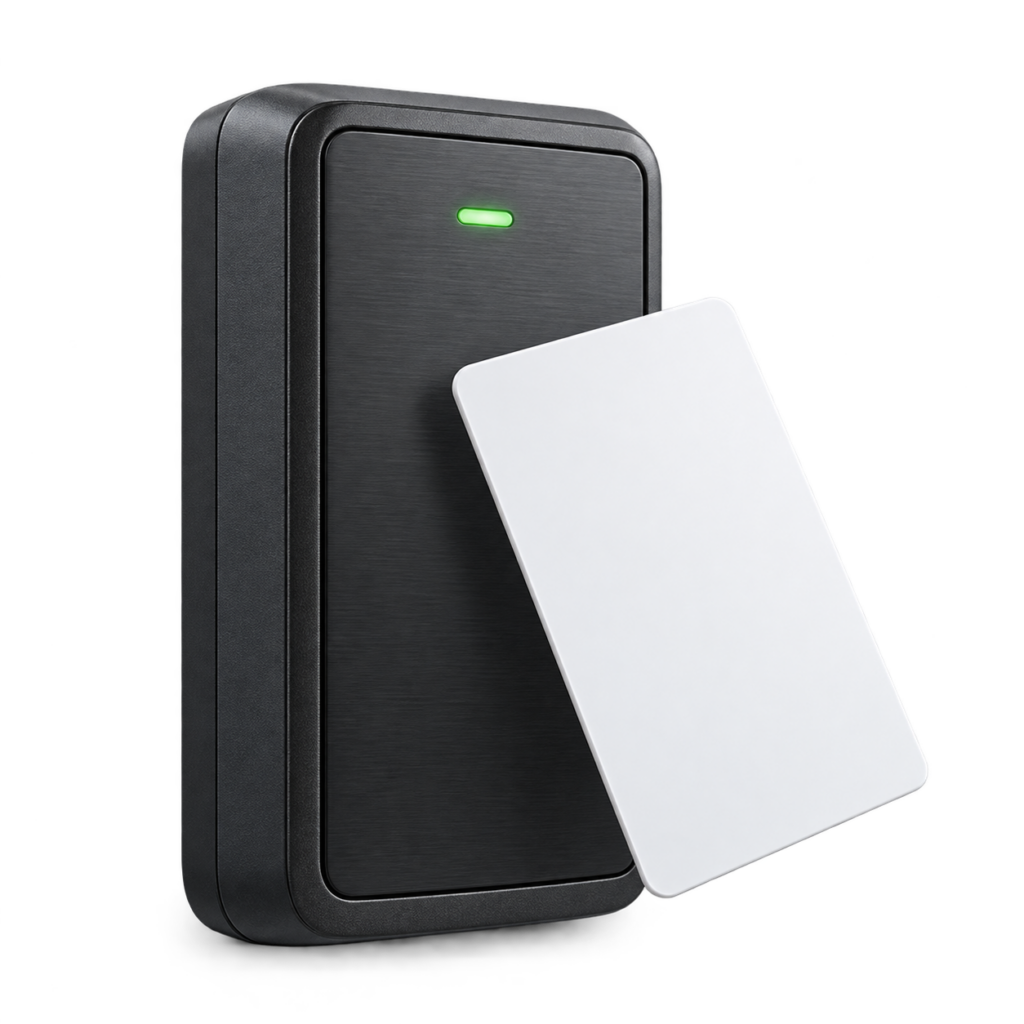
Readers
Reader integration and local feedback
Inputs
Bring field signals into Niagara
Outputs
Operate relays and supported reader outputs
See mercurySio in action
Explore Suphammer’s mercurySio demonstrations in Niagara.
Watch the main demonstration on YouTube
MercurySioDiscovery
Watch the discovery demonstration →Mercury on Tridium Niagara
Watch the short teaser →
Watch the discovery demonstration →Mercury on Tridium Niagara
Watch the short teaser →
These videos show earlier mercurySio demonstrations with Niagara. See the tested hardware and current release status below. Niagara 5 integration is under development.
A direct link to your SIO equipment
Bring Mercury SIO readers, inputs and outputs into a Niagara station over a local serial RS-485 bus. Use familiar Niagara components to connect supported equipment with your access-control application.
Several cards. One host license.
One perpetual license covers mercurySio on one Niagara Host ID. There is no additional driver license fee per SIO card. Actual capacity depends on serial addressing, available ports, station resources and the hardware configuration qualified for your project.
Built for Niagara workflows
The driver includes Mercury and Honeywell discovery dialects, door and strike components, input and relay points, reader LED and beeper control, and text-display outputs where supported by the connected equipment.
Tested hardware
Suphammer has tested mercurySio with Mercury MR-50, Mercury MT52 and Honeywell PW6K1R2 hardware.
What you need
A supported Niagara 4 installation, the required Niagara accessDriver / Enterprise Security application and licenses, a suitable serial RS-485 interface, and correctly powered and addressed SIO equipment. Niagara platform licenses, Enterprise Security, hardware and site commissioning are separate.
Niagara 5: a clear path forward
Tridium has confirmed that Niagara Enterprise Security will not be supported on Niagara 5. It remains supported on supported Niagara 4 versions through their published end-of-life dates. Suphammer is developing a new Niagara-native access-control framework, with planned mercurySio integration to bring Mercury SIO support to Niagara 5. This integration is under development; Niagara 5 support is not included in the current version.
Know the scope before deployment
This is a device driver, not a complete access-control database. The current implementation relies on Niagara 4 Enterprise Security. Device discovery scans the complete bus (addresses 0–31) and tries Mercury and Honeywell dialects. Points are created from the selected door and reader layout; separate point discovery is not needed. Contact Suphammer to discuss credential-event routing and multi-reader configurations for your project. Hardware commissioning and project-specific access-policy design require separate validation.
Read Tridium’s Niagara Access customer FAQ (question 10).
Questions before you buy
How can I get mercurySio?
Contact Suphammer for more information about availability, licensing and compatibility with your installation.
Will I pay per door or per SIO card?
The proposed driver license is per Niagara Host ID, with no additional per-card charge. It does not include Niagara or Enterprise Security licenses.
Does routine operation need a cloud connection?
SIO communication is local and the installed host license is verified locally. Online activation is planned through the Suphammer website.
Is Niagara 5 included?
Niagara 5 integration is planned through Suphammer’s new access-control framework. Availability and upgrade terms will be announced separately.
Which hardware has been tested?
mercurySio has been tested with Mercury MR-50, Mercury MT52 and Honeywell PW6K1R2. Contact Suphammer to confirm the board revision, firmware, reader and door configuration for your project.
Software driver only. Hardware, required platform/application licenses and commissioning are separate. Prices and offers are managed by WooCommerce.
HERE TO HELP
Make the next connection.
Get help with compatibility, setup or an existing installation.