
Niagara software
Suphammer Tags
Turn a naming convention into useful tags.
Turn naming conventions and proxy identifiers into Niagara string tags. WordTag and ProxyExtSlotTag for Smart Tag Dictionary rules, with a perpetual host license.
01
Name-based tags
WordTag selects an underscore-separated word from a component’s slot name.
02
Proxy-based tags
ProxyExtSlotTag reads a simple proxy property and selects the final part of a slash-separated value.
03
Implied tag rules
Apply definitions to the intended components. Niagara evaluates the derived tags as names and proxy values change.
One naming convention. Reusable metadata.
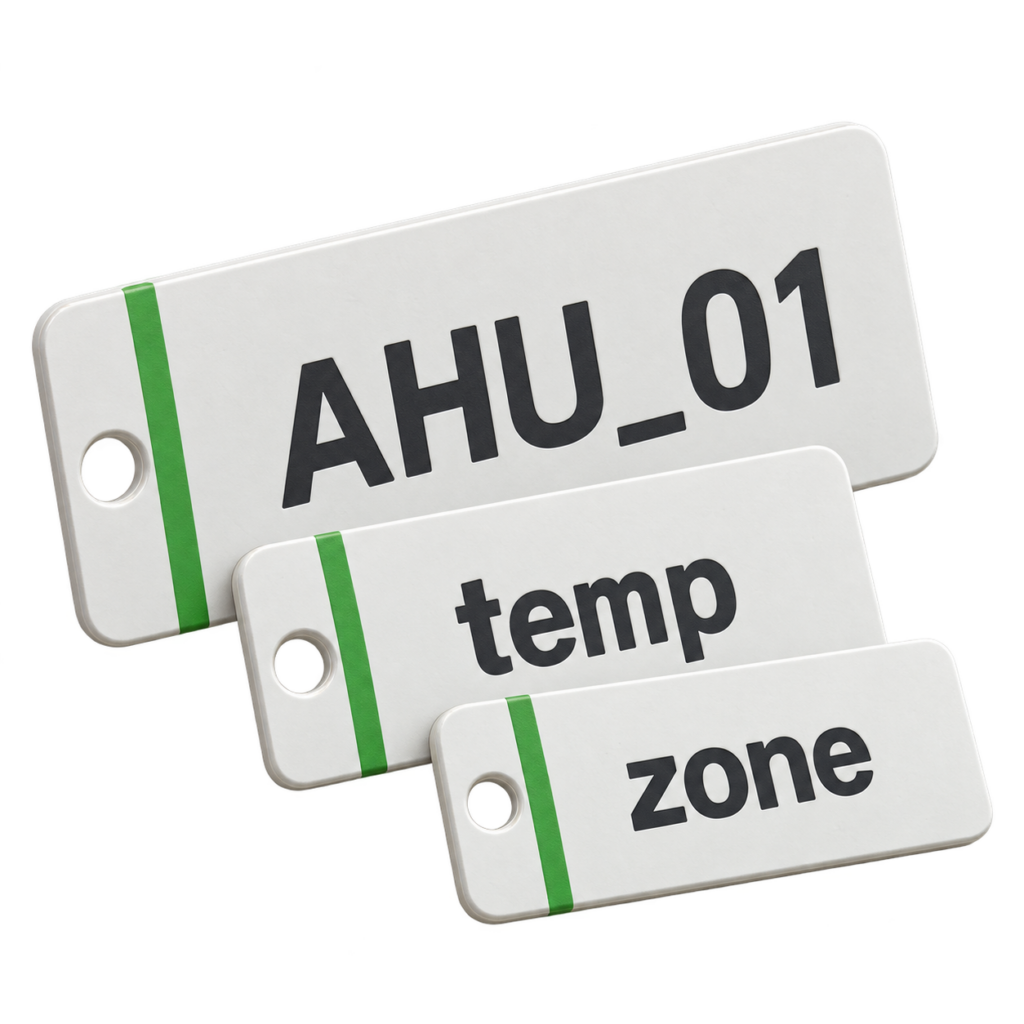
For a component named AHU_01_Temp, WordTag can derive AHU, 01 or Temp using positions 0, 1 or 2. A proxy property containing /Devices/AHU1/AI1 can supply AI1 through ProxyExtSlotTag. Values are string tags, so 01 keeps its leading zero.
What you can use
| Point or definition | Behavior |
|---|---|
| WordTag · Word 0 | AHU_01_Temp → AHU |
| WordTag · Word 1 | AHU_01_Temp → 01 |
| WordTag · Word 2 | AHU_01_Temp → Temp |
| ProxyExtSlotTag | /Devices/AHU1/AI1 → AI1 |
Compatibility and setup
Version 1.1.1 is validated on Niagara 4.15.3.28 Supervisor for Windows 11. Earlier macOS qualification is recorded for version 1.1.0. Other Niagara releases, hosts and driver-specific proxy formats require validation.
Niagara Workbench, a suitable Smart Tag Dictionary rule and access to install the runtime, documentation module and Suphammer Tags License Service. Set a condition that matches the intended components and inspect the resulting tags.
Supported scope. These definitions derive string tags; they do not contact devices or configure a driver. WordTag uses the component slot name. ProxyExtSlotTag reads a simple property on ProxyExt, not an arbitrary station path. Empty, missing or unsuitable values produce no derived tag.
Included with your license
Install with confidence
- Protected, signed Niagara runtime
- Signed, searchable Niagara Help module
- Offline PDF user guide
- Installation and troubleshooting guidance
One host. Perpetual license.
The license is bound to one Niagara Host ID and verified locally during operation. A completed purchase supplies an activation code.
Activate with your purchase email and Host ID at Suphammer license activation. Contact Suphammer before moving to a different host.
From purchase to first point
- Download and install. Use the included guide to install the modules in the required Niagara locations.
- Activate your host. Obtain the key for your Niagara Host ID and enter it in the product’s license property or service.
- Configure and verify. Follow the setup guide and check representative points or tags before connecting application logic.
Questions before you buy
Is this the WordTag module?
Suphammer Tags is the product name. The delivered Niagara module is suphammerTags and includes both WordTag and ProxyExtSlotTag. The existing pst license format is retained.
Are the derived tags written onto every point?
They are implied tags evaluated by Niagara rules. An explicit tag with the same identifier can take precedence.
Can I use it with any proxy extension?
The selected simple property must exist on that point’s actual ProxyExt. The default Slot Name is pointId; property names and formats vary by driver.
What about incomplete component names?
An empty segment or out-of-range word index produces no derived tag. Empty segments keep their position in the name sequence.
Software download for Niagara. Hardware, site commissioning and custom application work are separate. Current release: 1.1.1. Current prices and offers are shown above. Applicable tax is calculated at checkout.
HERE TO HELP
Make the next connection.
Get help with compatibility, setup or an existing installation.